Posteriza: Free Poster Printer Software for Windows
Turn your digital photos into life-sized wall art. Print giant posters using your standard A4 home printer. No installation required, 100% free. Posteriza 1.1.1 is the final release (legacy freeware) — tested working on Windows 10/11.
*Freeware license. No registration needed.
Why Use Posteriza for Your Wall Art?
Forget expensive print shops. Posteriza is the ultimate DIY tool that lets you create professional-looking mural posters using just your home printer and standard paper. It’s the best free alternative to The Rasterbator and Block Posters.
Print Any Size
Whether you want a small banner or a wall-sized mural, Posteriza handles it. The software automatically slices your image into multiple pages (A4, Letter, A3) that fit perfectly together. You control the number of rows and columns.
Supports All Formats
Drag and drop your favorite photos. Posteriza supports all major image formats including JPEG, BMP, PNG, and GIF. No need to convert files before designing your poster. It works seamlessly with high-resolution digital camera photos.
Add Text & Frames
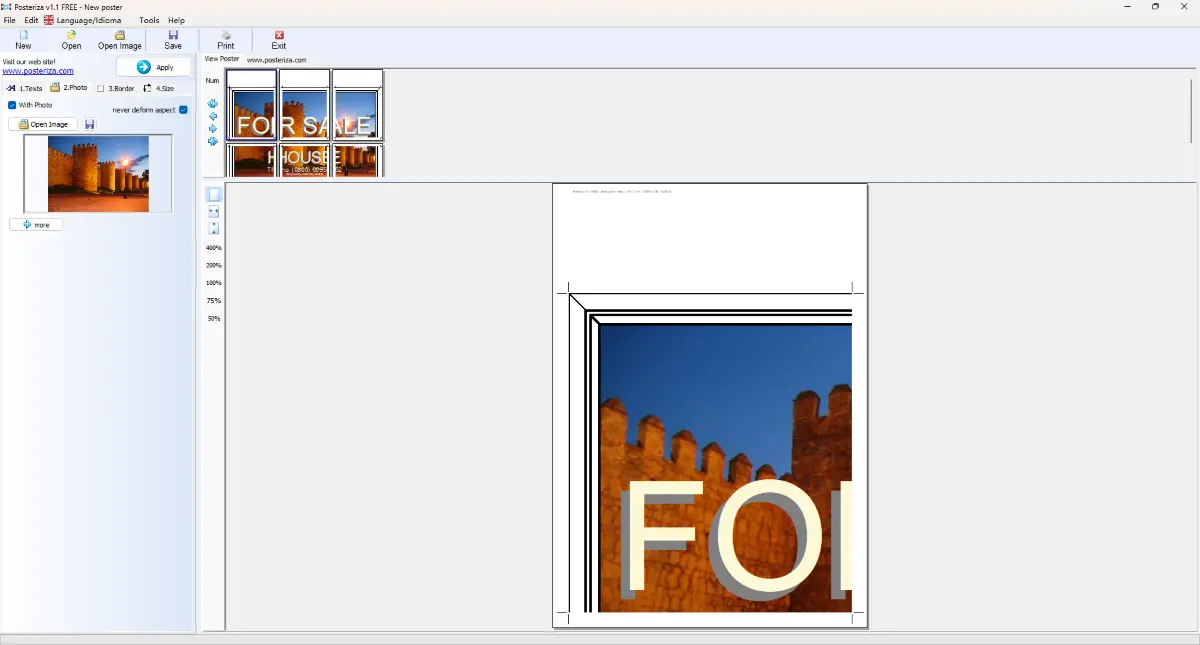
More than just a splitter. You can add custom text, titles, or watermarks directly onto your poster. Choose any font installed on your Windows system, add shadows, change colors, and even add stylish borders to your design.
No Installation Needed
Posteriza 1.1.1 is portable software. This means there are no complex installers, no hidden adware, and no registry keys cluttering your PC. Just unzip the file and run the .exe. It’s safe, clean, and fast.
Works with Any Printer
Inkjet, Laser, or Thermal – if Windows recognizes it, Posteriza can use it. It automatically syncs with your printer settings to ensure margins are handled correctly for easy gluing and assembly.
Multi-Language
Posteriza is truly global. The interface supports multiple languages including English, Spanish (Español), German (Deutsch), French (Français), and more, making it accessible to users worldwide.
What Can You Create with Posteriza?
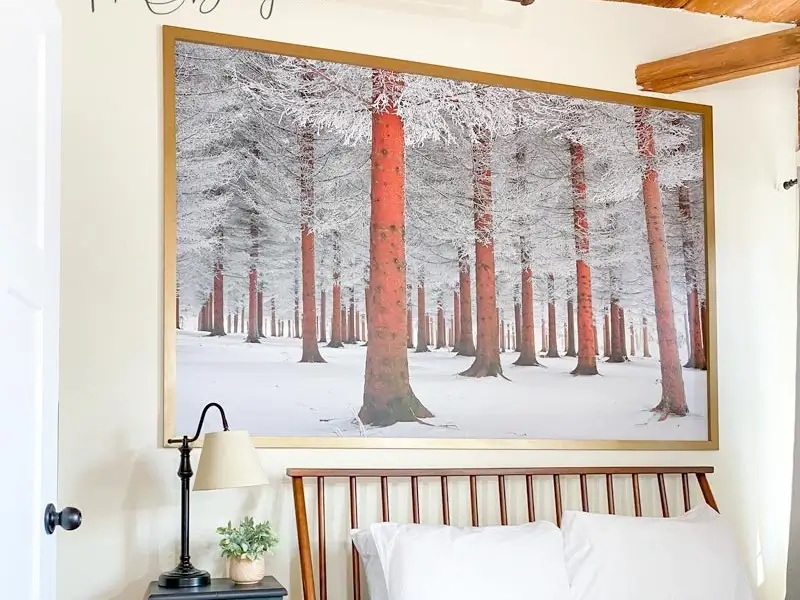
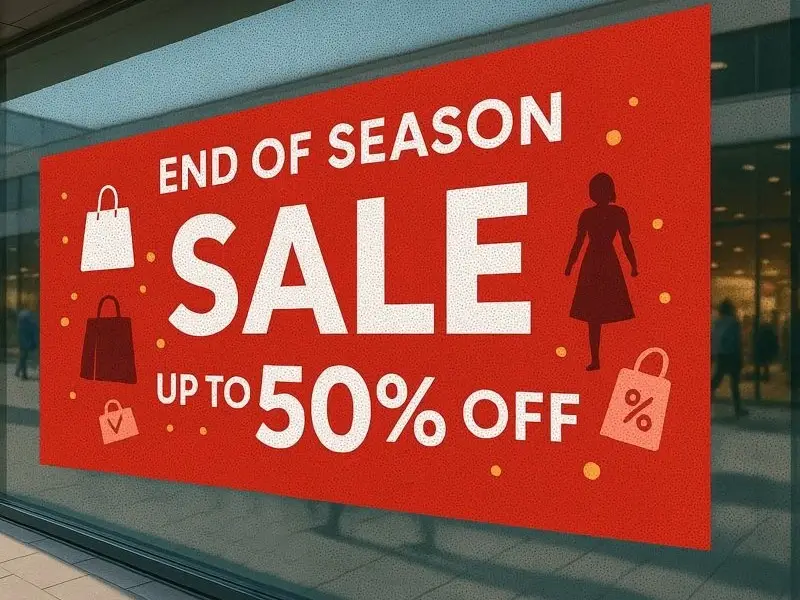
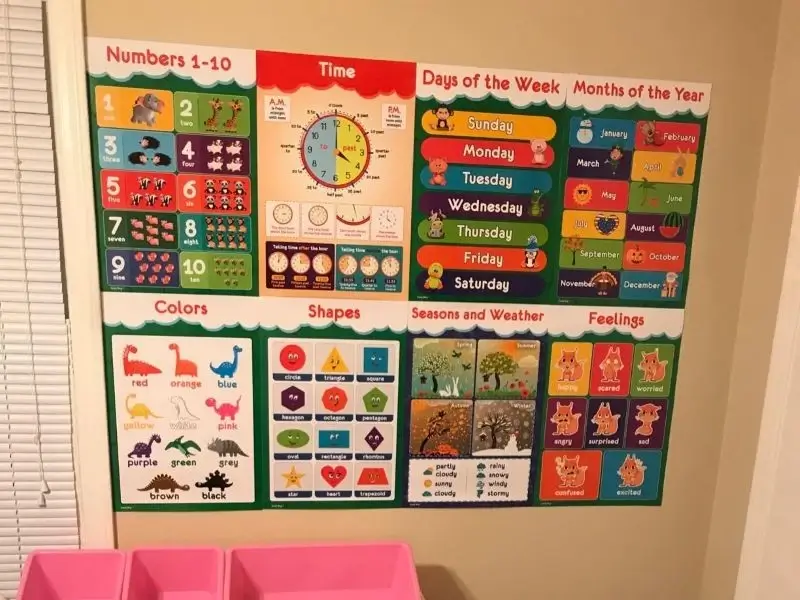
Posteriza isn’t just a tool; it’s a gateway to creativity. Whether for home, business, or school, here is how our community uses the software to save money and make an impact.
💡 Pro Tip: Resolution Matters
For the best results when printing large murals, ensure your source image is high quality (at least 2000 pixels wide). However, Posteriza includes a smart smoothing algorithm that helps reduce pixelation even if your photo is small.
How to Create a Giant Poster in 4 Steps
You don’t need to be a graphic designer. With Posteriza, it’s as easy as Load, Resize, and Print. Follow our step-by-step tutorial with screenshots to print your first mural in minutes.
Open Image & Text
Launch Posteriza and simply open your digital photo. You can check the “Text” tab to add a custom headline, adjust the font, color, and shadow effects to make your poster pop.
Adjust Size & Layout
Go to the “Size” tab. Here you tell Posteriza how big you want the final result to be. For example, choose “3 pages wide by 3 pages high”. The software will automatically calculate the final dimensions (e.g., 60cm x 90cm).
Print the Tiles
Click “Apply” and then “Print”. Your printer will start churning out the individual A4 sheets (tiles). Posteriza automatically adds small margins and overlapping guides to help you cut and paste later.
Trim & Assemble
Trim the white borders along the guidelines. Use glue or tape to assemble the sheets on your wall. Step back and enjoy your massive DIY wall art!
Need a more detailed walkthrough with screenshots?
Read the Step-by-Step Tutorial →Technical Specifications
System requirements and file compatibility for Posteriza 1.1.1
| Software Version | 1.1.1 (Build 345) – Final Stable Release |
| Developer | E-presencia |
| License | Freeware (100% Free for Personal & Commercial Use) |
| Operating System |
Windows 11, Windows 10, Windows 8, Windows 7, Vista, XP, 98 (Works on 32-bit and 64-bit systems) |
| Input Image Formats | BMP, JPEG (JPG), PNG, GIF, EMF |
| File Size | ~600 KB (Extremely Lightweight) |
| Printer Support | Any Windows-compatible printer (Inkjet, Laser, Plotter) |
| Paper Sizes | A4, A3, Letter, Legal, Tabloid, Custom Sizes |
| Interface Languages | English, Spanish (Español), German (Deutsch), French (Français), Italian, Dutch |
Note: Posteriza does not require .NET Framework or Java to run. It is a native C++ application.
Frequently Asked Questions
Everything you need to know about running Posteriza on modern PCs.
Does Posteriza work on Windows 10 and Windows 11?
Yes, absolutely. Although Posteriza 1.1.1 was released years ago, it is fully compatible with Windows 10 and Windows 11 (32-bit and 64-bit). If you encounter any display issues, you can simply run it in “Compatibility Mode” for Windows XP/7, but most users report it runs smoothly out of the box.
Is Posteriza safe to download? Does it contain viruses?
Posteriza is 100% clean freeware. The version hosted on Posteriza.org has been scanned with VirusTotal and shows 0 threats. Unlike some other free tools, it does not bundle adware, toolbars, or spyware. It is a standalone portable application.
Is there a version for Mac (macOS) or Linux?
Posteriza is natively built for Windows. It does not have a native Mac version. However, Mac users can use Wine or Parallels Desktop to run it. Alternatively, check our free alternatives that work on Mac for online tools that work on Mac directly.
What paper size does it support?
It supports any paper size your printer supports. Most commonly, this is A4, Letter, or Legal. The software automatically handles the margins for the specific paper size you select in your printer settings.
Will my poster be pixelated?
That depends on your source image. Posteriza enlarges the photo, so high-resolution photos produce the best results. For better clarity, you can use the built-in “smooth” filter, but starting with a high-quality JPG or PNG is recommended.
Learn More About Poster Printing
How to Use Posteriza: Step-by-Step Guide
Master the interface and print your first mural in 5 minutes.
Posteriza vs. The Rasterbator
Which tool is better for your project? A detailed comparison.
DIY vs Professional Printing
When is a print shop worth it? Honest cost and quality comparison.
Best Paper for Posters
Which paper, weight and finish make tiled posters look professional.
Explore More Guides
Tutorials, buying advice and Portuguese guides for every poster project.
Ready to Print Your Giant Poster?
Join thousands of users creating amazing wall art today.
Free. Safe. No Installation Required.
Don’t want to download anything?
Try Canva Online Poster Maker (Free)On a Mac, Chromebook or phone? See free alternatives
Works on Windows 7, 8, 10, 11 • File size: ~600KB • License: Freeware